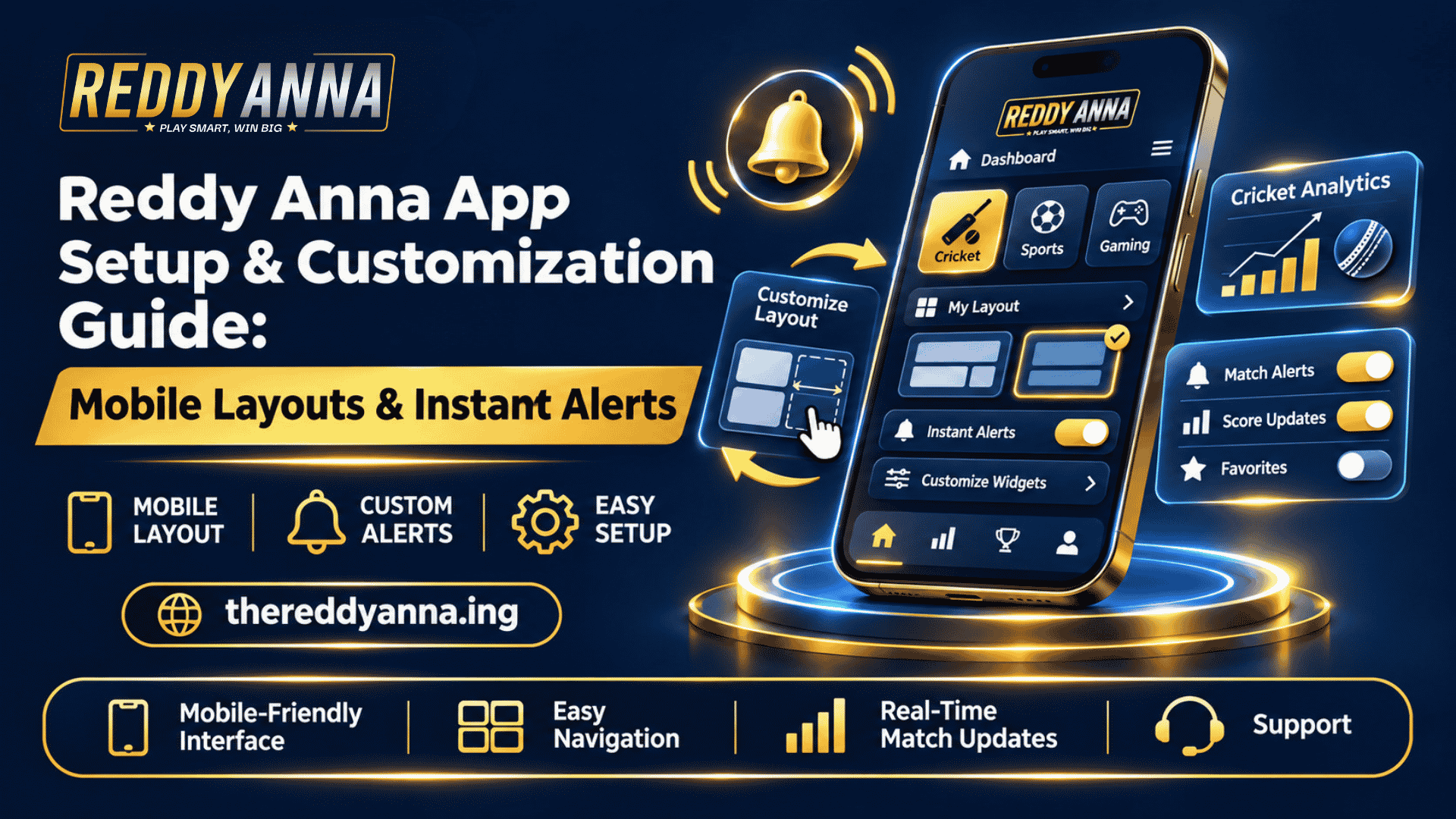
A new app can feel hard to use. It does not have to be. This guide shows Reddy Anna App Setup in easy steps. Learn how to install the application. You will pick a screen look and turn on alerts. We also share Reddy Anna mobile setup tips for small phones. Reddy Anna is an online site for live sports news and betting tools. It tries to keep each step clear for new users. Read on and set up your phone the easy way.
Reddy Anna App Setup : What You Need Before You Start
Good prep saves time. Check that your phone has free space. It should run a new Android or iPhone system. Use strong Wi-Fi for the first download. A weak signal can break the file. Keep your phone charged. Close other apps too. This gives the download more speed. A Reddy Anna app installation guide is of no use if the download stops. Keep your phone number close. You may get a code by text. Also, you must be an adult. Check the rules in your area before you play.
Easy Steps to Install the App
Follow these steps for a smooth Reddy Anna App Setup on your phone. Each step is short. Take your time. This installation guide works on most phones.
Open the Right Page
Open the site in your phone browser. Use only the link from the brand. Do not use a link from a random ad.
Download the File
Tap the download button. Wait until the file is saved. You can watch it fill on the top bar of your phone.
Allow the Install
Your phone may ask for a yes. Say yes for this one file only. Then turn the choice off again.
Open and Sign In
Tap the app icon. Log in or make a new account. Use a real phone number.
Set Up Your Account and App Settings
Once inside, spend two minutes on Reddy Anna app configuration. Add your name and phone number. Make a strong password. Turn on the extra login step if the app has one. Pick your language and time zone. Then match times will be right. Set your data choice too.If the data plan is limited, update only on Wi-Fi. Fill in your profile page. It helps the support team find you fast. Take your time. These small steps keep your account safe. A clean Reddy Anna App Setup now saves trouble later.
Mobile Layouts That Fit Your Screen
A good layout is easy to read. Try these looks for your Reddy Anna mobile setup. You can switch at any time. Try each one for a day. Keep the one you like best.
- Small view: shows more matches on one screen.
- Big text view: makes scores easy to read.
- Dark mode: saves battery and is soft at night.
- Left-hand mode: puts buttons near your thumb.
- Favorites bar: keeps top sports one tap away.
Read the basic rules on the reddy anna official website before you change things.
Instant Alerts: Stay Ahead of the Game
Quick news matters in live sports. Turn on Reddy Anna instant alerts for match starts, score changes and final results. Then go to settings. Open Reddy Anna app notifications. Switch on only the ones you want. Alerts reach your phone in seconds. You can open the match fast. They help you catch big moments when you are busy. Alerts also work well on a locked screen. You will not need to open the app each time. Test one alert right after setup. If it comes, your phone is ready.
Keep Alerts Useful, Not Noisy
Too many pings feel bad. A tidy Reddy Anna App Setup keeps your phone calm. Check your Reddy Anna instant alerts once a week.
- Pick only your top teams and sports.
- Set quiet hours for the night.
- Mute alerts during work meetings.
- Turn off sound but keep the banner.
Small changes like these protect your sleep. You stay informed. You also stay in charge of your day.
Quick Settings Table
Use this table as a fast guide for Reddy Anna app configuration. Match each row to your daily habits.
| Setting | Best Choice | Why |
| Login | Two-step on | Extra safety |
| Layout | Compact or large | Fits your eyes |
| Alerts | Favorites only | Less noise |
| Data | Wi-Fi updates | Saves mobile data |
| Theme | Dark mode | Saves battery |
Check these once. Your Reddy Anna App Setup will stay solid for months.
Safety and Privacy Tips
Protect your account first. Never share your password or text code with anyone. Not even a friend. Get the app only from pages you trust. Update the app when there is a newer version. Pick a sports betting website online that shows clear rules. Never play with money you cannot afford to lose. This part of Reddy Anna App Setup matters most. Log out when you use a shared phone. You must be 18 or older. Follow the laws in your area.
Fixing Common Problems
Small bumps happen. Do not panic. Most Reddy Anna mobile setup problems are easy to fix. Try these steps first.
- App will not open: restart your phone.
- Download fails: move to a stronger signal.
- Screen looks odd: clear old saved data.
- No sound: check silent mode.
- Slow screens: update the app.
A careful Reddy Anna App Setup also stops many errors. If problems stay, call support. Keep a photo of any error message. It helps support fix things faster.
Smart Daily Habits
Check for updates each week. Look at your Reddy Anna app configuration once a month. Clear old data so the app stays fast. Check Reddy Anna app notifications after each update. Updates can reset them. Restart the app now and then. This clears small faults. Good habits take little time. They keep the app smooth.
Final Checklist Before You Play
Run through this list once before your first match.
- Phone has free space
- App is on the latest version
- Password is strong and private
- Reddy Anna app notifications are set
- Layout feels good
Tick each box. Then you are ready for live matches.
Conclusion
A smooth Reddy Anna App Setup takes only a few minutes. Pick a layout you like. Keep your account safe. Switch on Reddy Anna instant alerts. Reddy Anna is a site made for live sports fans who want quick news and simple tools. It works to keep the app clear for new users. Set it up today and enjoy the game with care.
FAQs
What is the first step in the Reddy Anna App Setup?
Check your phone first. Do you have space and a strong internet? Get the file from the brand’s page. Tap yes to install.
Does the Reddy Anna app installation guide change by phone?
Only a little. The steps match. The menus may look new. Follow your screen.
Can I change the layout later?
Yes. Open settings. Pick a new look. You can do this any day.
How do I stop too many alerts?
Open alert settings. Keep only your top teams. Add quiet hours for the night.
Is the app safe to use?
Take care, and it can be. Use only pages you trust. Keep your password to yourself. Follow the law in your area.
Read More :-
https://thereddyanna.ing/blogs/reddy-anna/reddy-anna-set-rules-guide-for-policies/
https://thereddyanna.ing/blogs/sports-games/cricket/cricket-powerplay-rules-explained/